
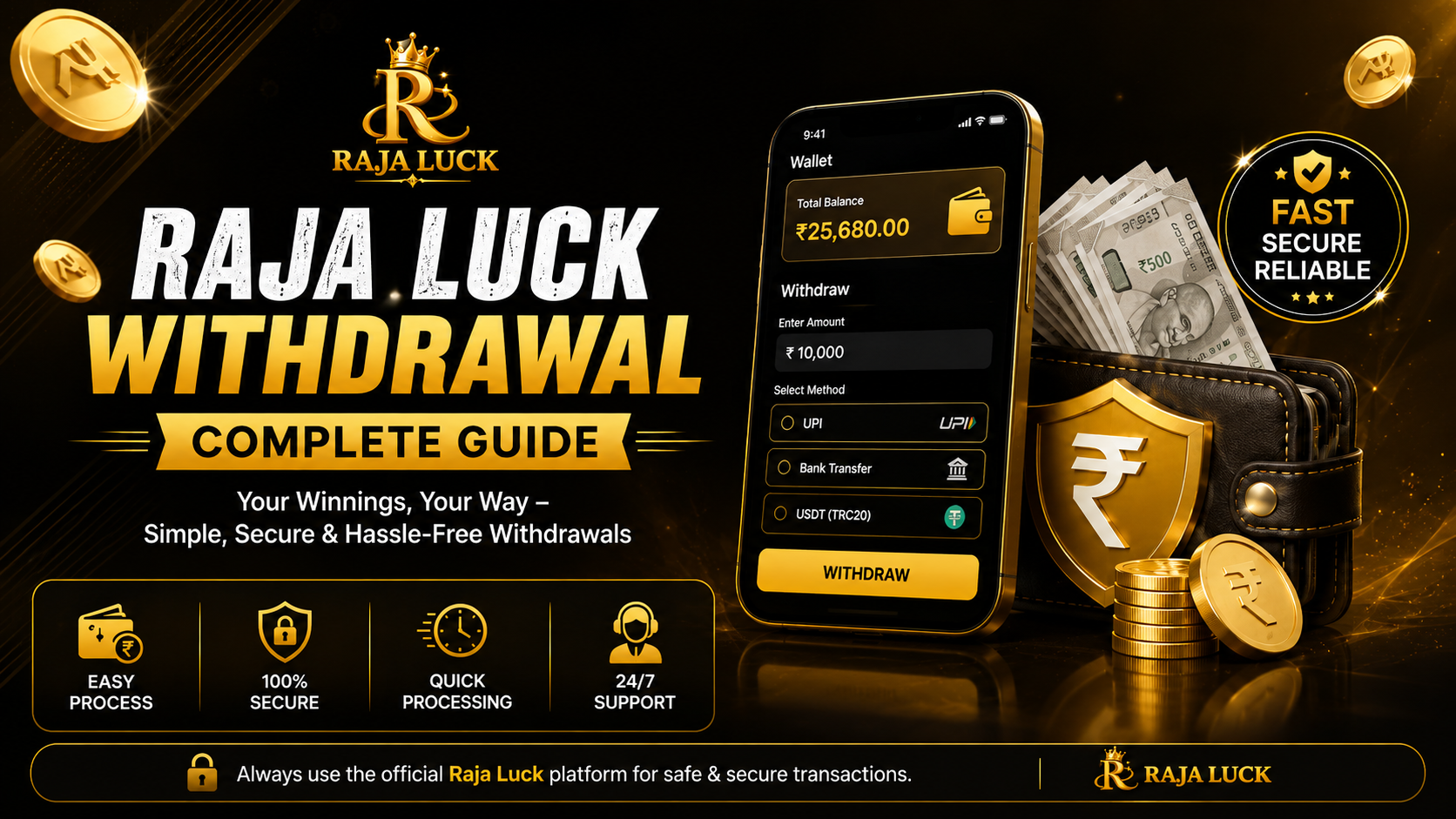
A useful withdrawal guide should not guess the method, minimum amount or arrival time for your account. Those details can differ and may change. The most reliable source is the withdrawal screen you see after signing in to the platform you already use. This guide explains what to review there and how to respond when a request does not move as expected.
Checks to make before a withdrawal
Open the wallet or balance section and read the current withdrawal information from start to finish. Confirm the amount available for withdrawal, any minimum or maximum shown, verification requirements, applicable charges and the payment options offered to your account. Do not rely on a fixed figure copied from an older guide.
- Use a payment destination that belongs to you.
- Make sure the account-holder details match where required.
- Complete only the verification requested inside the account.
- Read any turnover, account or transaction condition shown before submitting.
- Keep enough information to identify the request later.
How to submit a request
- Sign in through the platform page or app you normally use.
- Open the wallet, balance or transaction section.
- Select the current withdrawal option.
- Choose from the methods actually displayed in your account.
- Enter the requested details and withdrawal amount carefully.
- Review the summary once more, then submit the request.
If the account provides a transaction reference, save it along with the date, amount and visible status. Avoid posting a screenshot that exposes your phone number, account number, QR code or other personal information.
If a withdrawal is pending
“Pending” usually means the request has not reached a final status, but this page cannot determine the reason. Check for an account message, verification prompt or transaction update. Banking and payment systems can also affect completion, so do not assume a delay has one particular cause.
What to do next
Wait for the period stated on your current withdrawal screen, if one is provided. Do not submit several identical requests unless the account specifically tells you to try again. If the stated period passes, contact the support option inside the same platform and provide only the transaction reference and other information it legitimately requests.
Failed, rejected or reversed requests
Read the exact status and explanation shown in the transaction history. Recheck the selected payment destination, account details, available balance and any incomplete verification. A “failed,” “rejected” or “reversed” label can describe different outcomes, so follow the instruction connected with that transaction rather than guessing.
Never pay a stranger to release a withdrawal. Do not disclose a password, OTP, banking PIN, card security code or screen-sharing access to someone claiming to be support. Rajaaluckk.com cannot mediate account disputes; use the platform’s current support or grievance route and keep a record of the conversation.
Keep the wider risk in view
A withdrawable balance is not guaranteed income, and gaming can lead to loss. Avoid depositing more money merely because a request is delayed or because someone says another payment is required to unlock winnings. Set firm limits and take a break if financial decisions are becoming stressful. See our responsible gaming page for practical guidance.
For related reading, visit the login and account guide, the platform comparison checklist or the main blog page. You can return to the Raja Luck guide homepage at any time.
Reviewed: August 2026
3 thoughts on “Raja Luck Withdrawal Guide: Steps and Checks”